
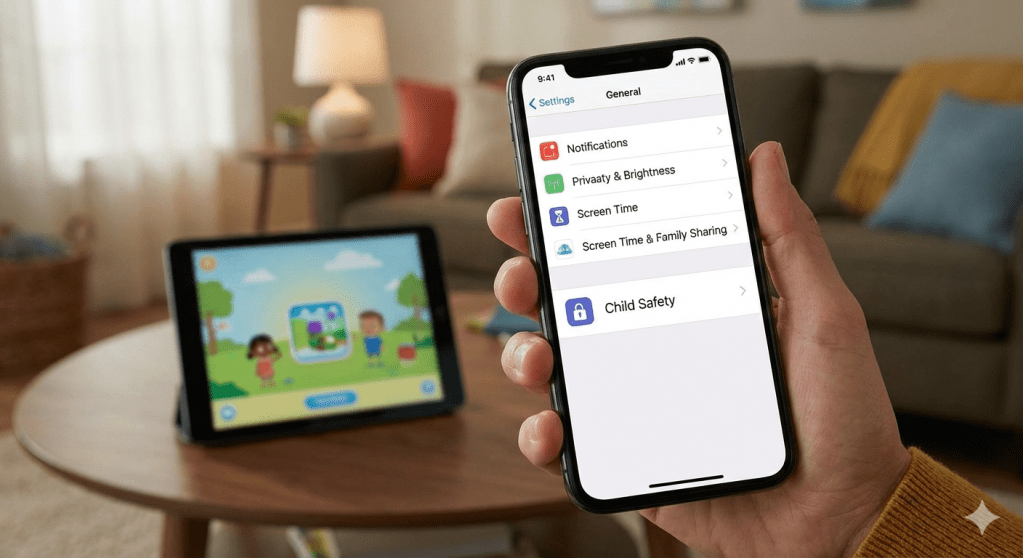
Apple has made a series of subtle updates to parental controls and child safety settings in recent iOS releases. This article explains what has changed, why it matters for families, and what parents should review to keep settings aligned with how their children actually use devices.
Small updates that quietly change behaviour
Apple rarely makes loud announcements about parental control updates. Instead, changes tend to arrive gradually through iOS updates, account settings and revised defaults.
Recently, these updates have focused on tighter permission handling, clearer screen time boundaries and better management of child Apple IDs across devices.
While none of this feels revolutionary, together they reshape how children interact with iPhones and iPads day to day.
What has actually changed
Some of the most noticeable shifts include:
- More consistent screen time enforcement across multiple devices
- Clearer prompts when children request extra time or new app access
- Improved handling of hand me down devices tied to child accounts
- Subtle restrictions around app tracking and data sharing for minors
These updates aim to reduce gaps where controls could previously be bypassed simply by switching devices or accounts.
Why this matters for parents
Many parents set up screen time and restrictions once, often years ago, and rarely revisit them.
The problem is that children’s usage changes quickly. What made sense for a seven year old does not suit a twelve year old with school apps, messaging and shared family devices.
Apple’s recent changes assume parents will revisit settings more often. If they don’t, the system may behave in ways that feel unexpected or frustrating.
Less about restriction, more about structure
What is interesting about Apple’s approach is the tone. The updates are not about harsh limits or punishment. They are about structure.
Controls are now designed to encourage conversations, approval requests and intentional usage rather than silent blocking.
That aligns more closely with how families actually manage technology at home.
Practical takeaways for families
- Review Screen Time and child account settings at least once a year
- Check permissions again after major iOS updates
- Talk through app requests instead of auto approving or denying
- Treat parental controls as a living setup, not a one off task
These changes won’t fix screen time challenges on their own, but they do give families better tools when used intentionally.
 TrailCurrentTech
Leave a comment